Writing has become a central part of modern digital work. From business proposals and marketing content to academic assignments and project documentation, millions of people rely on Google Docs every day to create, edit, and share information.
While Google Docs provides an excellent environment for collaboration and document management, creating high-quality content still requires significant time and effort. Writers often move between research pages, editing tools, note-taking apps, and writing platforms just to complete a single document.
This is why interest in AI for Google Docs continues to grow. Users are looking for ways to streamline content creation, reduce repetitive tasks, and improve writing quality without constantly leaving their workspace.
The goal is not simply to write faster but to make the entire writing process more efficient.
The Modern Writing Process Is More Demanding Than Ever
Creating content today involves far more than typing words into a document.
Before a draft is finished, writers often need to:
- gather information
- organize ideas
- create outlines
- refine wording
- improve readability
- review structure
- edit multiple versions
Each of these steps adds value, but they also increase the amount of time required to complete a project.
For professionals managing multiple deadlines, even small workflow improvements can make a significant difference.
As content demands continue to rise, many users are looking for solutions that help simplify these tasks while maintaining quality.
Why Writers Spend Too Much Time Switching Between Tools
One of the biggest productivity challenges in digital writing is context switching.
A typical workflow might involve:
- researching information in browser tabs
- drafting in Google Docs
- opening another tool for rewriting
- using a separate platform for summaries
- switching again for editing support
These constant transitions interrupt concentration and slow progress. The scale of this problem is well documented — a study published by Harvard Business Review found that the average digital worker toggles between applications and websites nearly 1,200 times a day, losing close to four hours a week simply reorienting themselves after each switch. Research from the University of California, Irvine adds further context, showing that it can take over 20 minutes to fully refocus on a task after an interruption.
Even when each tool performs its task well, the overall workflow can become fragmented.
This has created demand for writing solutions that integrate more naturally into the environments where people already work.
How Clico Enhances the Writing Experience
As digital writing becomes more demanding, accessibility matters just as much as functionality.
Clico is designed around this idea.
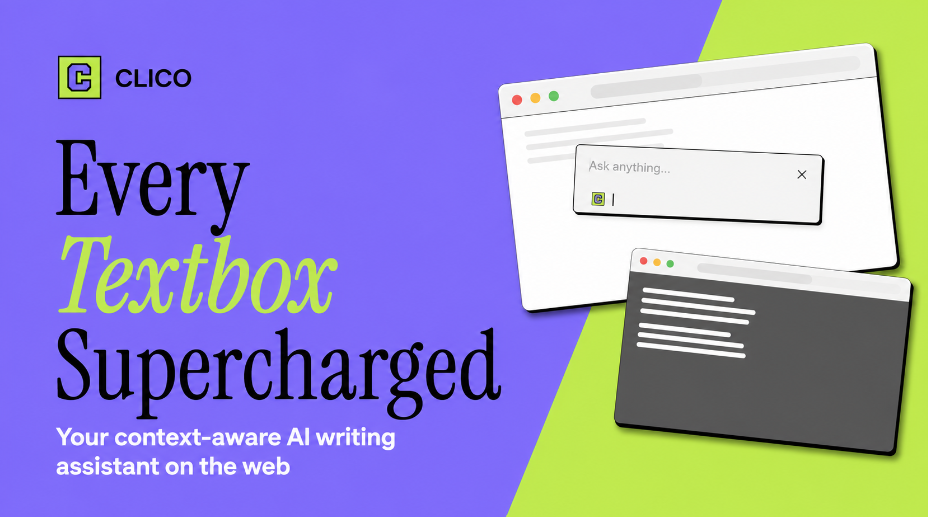
As an AI extension that brings the best AI to any page you visit, it allows users to access powerful writing capabilities without leaving the pages where they are already working.
This approach is especially useful for document-heavy workflows where users spend significant time creating and editing content.
Whether working on reports, articles, proposals, research notes, or collaborative documents, Clico helps keep assistance within reach rather than requiring additional applications or platforms.
This creates a more streamlined writing experience and reduces unnecessary interruptions.
From Drafting to Refinement
Many people think AI writing tools are useful only for generating text.
In reality, some of the greatest productivity gains come during the editing and refinement stages.
Writers frequently need help with:
- improving sentence clarity
- simplifying explanations
- restructuring paragraphs
- adjusting tone
- expanding ideas
- shortening lengthy sections
These tasks can consume a large portion of the writing process.
Having intelligent assistance available while editing allows users to refine content more efficiently without interrupting workflow.
Better Content Starts With Better Workflows
High-quality writing is often the result of an effective process rather than raw writing speed.
When writers can stay focused within a single environment, they are more likely to:
- maintain creative momentum
- reduce distractions
- complete drafts faster
- improve consistency
- spend less time on repetitive editing
This is one reason why AI for Google Docs has become increasingly valuable for students, professionals, marketers, and content creators.
Instead of forcing users to jump between multiple platforms, AI can support the writing process directly where content is being created.
Supporting Different Types of Google Docs Users
People use Google Docs for a wide variety of purposes.
Students Assignments, essays, and research projects often require extensive drafting and revision.
Content Creators Articles, newsletters, and long-form content benefit from faster editing and content development.
Business Professionals Reports, presentations, and internal documentation require clarity and consistency.
Marketing Teams Campaign planning, content creation, and communication materials often involve collaborative writing processes.
Freelancers Managing multiple projects requires efficient document creation and editing workflows.
Because writing needs vary significantly across users, flexible AI support becomes increasingly valuable.
Making Collaboration More Efficient
Google Docs is widely known for its collaborative capabilities.
Teams can review, edit, and comment on documents in real time.
However, collaboration often introduces additional editing cycles as contributors revise and refine content.
AI-powered assistance can help streamline these processes by making it easier to:
- improve readability
- clarify messaging
- refine wording
- organize information
- strengthen document structure
This helps teams spend less time on repetitive revisions and more time focusing on meaningful content improvements.
The Future of Writing Inside Document Platforms
Document creation is evolving beyond traditional word processing.
Modern users increasingly expect writing platforms to help them think, organize, and communicate more effectively.
The next generation of productivity tools will likely focus on:
- integrated writing support
- content refinement
- information organization
- workflow efficiency
- contextual assistance
Rather than operating as separate destinations, these capabilities will become part of the environments where writing already takes place.
This shift will help reduce friction throughout the content creation process.
Final Thoughts
The growing demand for AI for Google Docs reflects a broader trend toward smarter and more integrated writing workflows. Writers today need more than a place to type—they need tools that help them research, draft, refine, and improve content without disrupting productivity.
By bringing advanced AI capabilities directly into everyday workflows, Clico helps simplify document creation while reducing the need for constant tool switching. As writing continues to play a critical role across education, business, and content creation, integrated AI solutions will become increasingly important for users seeking greater efficiency and better results.