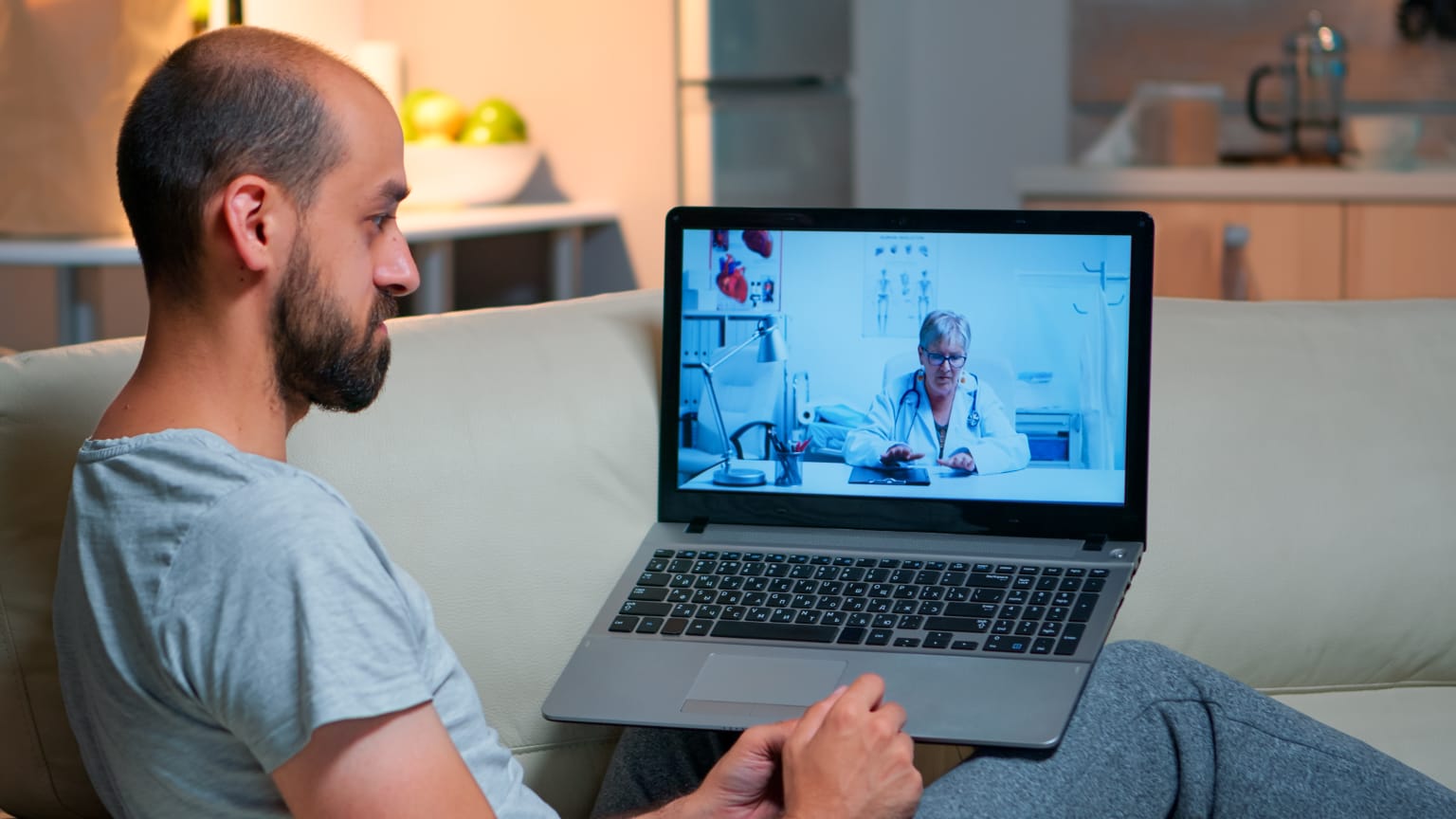
Picking the wrong system usually shows up months later, in missed billing cycles or a dashboard nobody on staff actually checks. The platform that receives, sorts, and displays the physiological data sent from a patient’s connected devices, enabling care teams to easily see trends and alerting them to potential worrisome data before the patient’s next visit. The software itself doesn’t collect data; it ingests, processes, and routes it to anyone who needs to take action on it.
Most practices have an understanding of the clinical use of RPM. It’s difficult to assess from a vendor demo whether the software will actually perform when live patients begin to load it, especially in the areas of device integration, data latency, and how seamlessly it will support the documentation needed for the billing process required by CMS. Most vendor selection mistakes occur where that gap between demo performance and production reliability lies.
This guide will cover the technical and operational aspects that can make the difference between a remote patient monitoring software system that appears like it can handle business and one that runs great during a sales call but not when it’s deployed at scale.
Few Core Features To Consider Way Past The Sales Demo
The easiest way for a vendor to show off a polished dashboard and the least indicative of whether or not the software will serve your practice well in the long term. The things that really matter are less apparent in a demo.
Consider software that includes:
- Device-agnostic integration,, which means that the platform can be fed by data from several device manufacturers.
- Patient specific alert thresholds that are not unified across the entire panel, but configurable by patient.
- Automated tracking of the 16 day transmission requirement from CPT code 99454 with clear flags when patients are not meeting the requirement, mid month.
- Role based access to see the information that’s relevant to their job, whether it’s nursing staff, billing staff, or physicians.
- Instead of manual export/import between systems, API based EHR integration.
Specifically, software lacking device agnostic integration can lead to ongoing cost issues because it lacks any ability to change with the hardware vendor’s pricing or device selection in the future.
The Detail Vendors Seldom Speak About Is Data Latency.
One thing you won’t find in most vendor comparisons is that the time on which a device manufacturer records a patient’s reading may not be the same as when the monitoring software logs that reading. Some platforms do this in near real time, others do it every few hours, batch sync from the device manufacturer’s cloud and a few do it once per day. That gap is significant as CMS is billing based on calendar days of transmission, not when the software is showing the data.
If the sync cycle of the software occurs overnight, a patient who takes a blood pressure reading later in the month may wind up having this reading recorded on the first of the following month, moving a billable date out of the proper period. Practices usually don’t find out until a claim returns questioned, as it was obviously read, just under the wrong date and in the system’s records. This mode of failure is never seen with software that performs near real time ingestion as opposed to batch syncing.
Security And Compliance Requirements
Unlike standard practice software, remote patient monitoring software must be used with protected health information at all times, not just during appointment times, thereby increasing the compliance requirements. At a minimum, a vendor must be HIPAA compliant, but there are different ways this is achieved, and it is important to ask a vendor directly about it.
Important compliance questions to ask when evaluating vendors:
- If the practice ends its contract, what will happen to patient information, is it deleted, exportable, or kept?
- Have there been any reported data breaches by the vendor and how were practices notified?
- Is the vendor required to sign a Business Associate Agreement and what is covered?
- If the vendor is uncertain or cannot clearly describe data retention policy after contract termination, consider deprioritizing the vendor, no matter how good the other features may be.
Integration With Existing Clinical Workflows
If it is a program that necessitates staff logging on to it throughout the day, it is not as likely to be logged on as often as the software integrated into the workflow they are using. This is where EHR integration depth is more than a technical nicety.
The most useful integrations normally offer:
- Direct flagged reading into patient charts, not requiring manual note.
- Automatically pulling patient information and insurance details at check in rather than re entering them.
- Delivering automatic synchronization of care team assignment ensuring that the appropriate clinician is notified without any additional setup.
- Producing billing ready reports that match up with the transmission days versus what codes are being billed.
Scalability With Patient Volume Grows
Well-performing software with 50 patients enrolled does not necessarily perform well with 500. Alert volume, data processing load, and staff reviewing time go up with enrollment, as do the number of alerts a platform can generate without configurable thresholds or triage logic, which can overwhelm a growing care team in a blizzard of undifferentiated alerts. When talking to vendors, be sure to ask how their platform’s alert triage will adapt as patient panels expand, rather than just if it can accommodate more patients.
The Bottom Line
It’s not about the dashboard it’s about the depth of integration, data timing accuracy and compliance rigor that the right remote patient monitoring software offers. Vendors not measured on these operational characteristics, but just on demo appeal, create billing and workflow issues that emerge after the volume build up.
The RPM software from Tellihealth features near real time data ingestion to ensure that all transmission dates are accurate for billing purposes and integration with various devices to ensure practices are not tied to a single hardware vendor.
Frequently Asked Questions
Should The RPM Software Connect With An EHR?
While not mandating it outright, those practices that don’t integrate EHR tend to fall back on manual re entry of data or exporting reports between systems. Deep integration drastically cuts down administrative tasks and minimises the chances for documentation errors during billing.
What Does RPM Software Do For HIPAA Compliance?
Compliant software will encrypt patient’s data in transit and at rest, and the vendor should be required to sign a Business Associate Agreement that specifies the vendor’s obligations. Before signing a contract, practices should also inquire about the internal controls used to access data and notification of a data breach.
Does Remote Patient Monitoring Software Integrate With A Variety Of Devices?
Though the support is different depending on the device type and vendor, deviceagnostic software can. Future flexibility and hardware cost can be a problem if you lock into a platform that’s compatible with only one manufacturer’s devices.
Why Is It Important To Have Data Transmission Timing In RPM Software?
CMS billing for CPT code 99454 must include at least 16 days of data transmission within a 30 day period and the date at which the data is logged is relevant to the CMS requirements for reaching the 16 day threshold. Batching the data rather than performing near real time syncing can sometimes result in the incorrect date being assigned to readings, causing discrepancies in billing that are hard to identify once they have occurred.